The Screenshot Wall: Signal Just Blinded Siri and Gemini on iOS 27 and Android — and Admitted It's Not Enough

The Screenshot Wall: Signal Just Blinded Siri and Gemini on iOS 27 and Android — and Admitted It's Not Enough
Published: November 22, 2026 | Reading Time: ~10 minutes | Channel: techminute
TL;DR: Signal now blocks screenshots by default on iOS 27 and auto-arms screen protection on Android the moment an AI assistant tries to read the display — shutting out Siri AI, Google Gemini Intelligence, and Meta's Muse from encrypted chats — but Signal's own president calls OS-level agents an "existential threat" and admits the fix leaves macOS and the filesystem wide open.
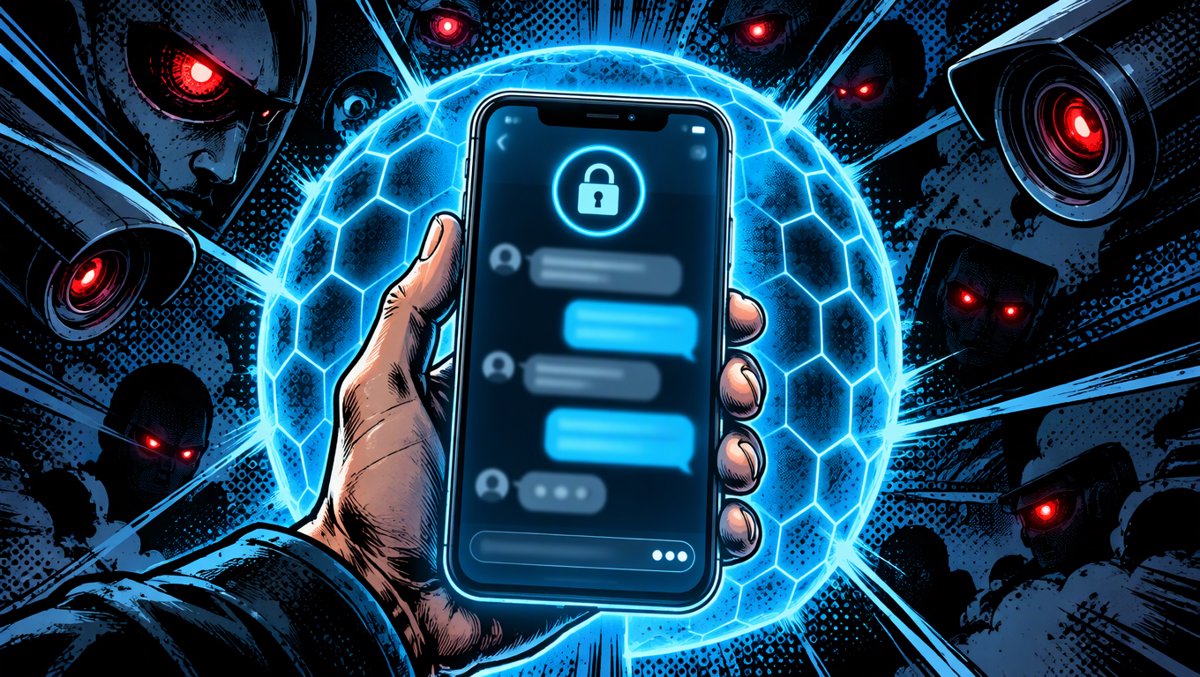
On November 20, 2026, Signal began blocking screenshots by default inside its app on iOS 27 — and on Android, the app now automatically switches on screen protection the first time it detects an AI assistant trying to read the display. The change stops the operating systems' built-in agents — Siri AI on iOS, Google Gemini Intelligence on Android, and third-party agents like Meta's Muse — from scanning Signal conversations off the screen. Signal president Meredith Whittaker calls the integration of these agents into mobile operating systems an "existential threat" to the app's privacy guarantees, and — unusually for a product announcement — openly documents why the defense is incomplete.
Key Takeaways
- Signal now blocks screenshots and screen recordings by default in its iOS app on iOS 27, and auto-enables "Screen security" on Android when an AI assistant's screen access is detected — per Signal's official blog, published November 20, 2026.
- Version requirements are precise: Android needs Signal 8.35.1 or later; iPhone needs Signal 8.37 or later running iOS 27 or later (Signal Support).
- macOS is NOT covered. Signal says Apple offers no reliable way to block screenshots on the Mac and recommends users manually add Signal to System Settings > Siri > Excluded Apps as a workaround.
- This is the second time Signal has done this: in 2025 it blocked Microsoft's Recall AI from screenshotting Signal messages on Windows 11 by default — the same capture pattern, on a different OS.
- Signal's demand to Apple, Google, and Microsoft: give developers an easy, documented way to opt their apps out of AI data access — screen reading, filesystem, notifications, APIs — without breaking core functionality.
The Context: Encryption Doesn't Stop the Camera in the Room
Signal's end-to-end encryption protocol has been formally verified, open-sourced, and picked apart by security researchers for over a decade. Your message traveling from your phone to your contact's phone is as close to unbreakable as modern engineering gets. But the protocol protects the pipe, not the pixels — and in 2026, the pixels are exactly where the industry's biggest companies decided to look.
The operating system vendors have spent the past two years embedding AI agents directly into their platforms. Apple ships Siri AI with on-screen awareness on iOS 27; Google integrates Gemini Intelligence into Android; Microsoft built Recall, which Signal's blog footnotes describe as capturing the screen "every few seconds," extracting text via optical character recognition, and populating a searchable on-device database — one that could retain Signal data indefinitely, "including disappearing messages."
Whittaker frames the power imbalance with an ecology metaphor: Apple, Google, and Microsoft "produce the three major consumer operating systems... which comprise the environment that third-party developers – like Signal – build their apps to function and operate within." These OSes, she writes, are "the oceans in which Signal, and other applications, must swim; they dictate the conditions of life for the application ecosystem." Right now, she argues, the water is being made "increasingly hostile to privacy."
The mechanical problem is simple and brutal. When an OS-level agent "answers questions about what's on your screen," it captures decrypted message content at the display layer — outside Signal's process, outside its control, and into "whatever local database or remote server an OS-level AI agent is using at that moment," as Whittaker wrote. The math of end-to-end encryption is intact. The guarantee isn't, because the guarantee ended at the glass.
Under the Hood: How the Defense Actually Works on Each Platform
Signal's remedy is not one feature but three platform-specific hacks, each shaped by what the underlying OS permits. That's the part most coverage skips, and it's where the story gets technically interesting.
On iOS 27, Signal turns on a setting called "Block Siri AI" by default. It prevents screenshots and screen recordings inside the app, hides Signal's content from the App Switcher, and — per Signal's support documentation — blocks "on-device AI assistants reading what's on screen in Signal." iPhone users get three positions: On (default), Off, and a compromise position called "Off for 10 Minutes" that auto-restores protection — clearly designed for the "I need one screenshot of my boarding pass" moment. The settings path is Settings → Privacy → Block Siri AI. Requires Signal 8.37 or later on iOS 27 or later.
On Android, the mechanics are inverted, and it's worth understanding why. In a technical footnote, Signal explains that Android exists in many vendor-specific variants beyond Google's Pixel builds, and on many of them Signal "doesn't have a reliable way to detect when a screenshot was attempted if screenshots are already disabled." Rather than ship a broken experience where screenshots silently stop working, Signal chose detection instead: "Screen security" turns on automatically the first time an AI assistant tries to read Signal's screen, with an explanatory message. You can pre-arm it at Settings → Privacy → App security → Screen security (Signal 8.35.1+). One quirk worth knowing: if you disable the protection by tapping "Turn off screen security" in the prompt, Signal will turn it back on again after 90 days — a re-arm behavior iOS doesn't have.
On macOS 27, there is no protection at all, and Signal's footnote 3 is the most damning paragraph in the whole announcement. The team describes "a minefield of bewildering decisions" in Apple's APIs: screenshot-protection interfaces deprecated "in favor of screen-protection solutions that only work for streaming media and other DRM-protected content." In other words, Apple's APIs can stop a screencast of a movie but not an AI agent photographing your chat. Signal's only macOS advice: add Signal to the Excluded Apps section under System Settings > Siri so Siri AI can't proactively read it.
On Windows, this fight already happened. In 2025, Signal blocked Microsoft Recall from capturing screenshots of Signal messages by default — Recall being the feature that screenshots the desktop continuously and OCRs everything into a searchable database. Friday's mobile announcement is the same war, second front.
Here's the matrix:
| Platform | What's blocked | On by default? | Where to control it | Signal version needed |
|---|---|---|---|---|
| iOS 27 | Screenshots, screen recordings, App Switcher previews, Siri AI screen reads | Yes ("Block Siri AI") | Settings → Privacy → Block Siri AI (with "Off for 10 Minutes" option) | 8.37+ |
| Android (vendor-dependent) | Screenshots, recent-apps previews, detected AI screen reads | Auto-on when AI access detected | Settings → Privacy → App security → Screen security (re-arms after 90 days if dismissed) | 8.35.1+ |
| macOS 27 | Not implemented — no reliable screenshot-blocking API | — | Manual workaround: System Settings > Siri > Excluded Apps | n/a |
| Windows 11 | Recall screenshot capture | Yes (since 2025) | Existing default | n/a |
The Part Signal Calls Incomplete — In Writing
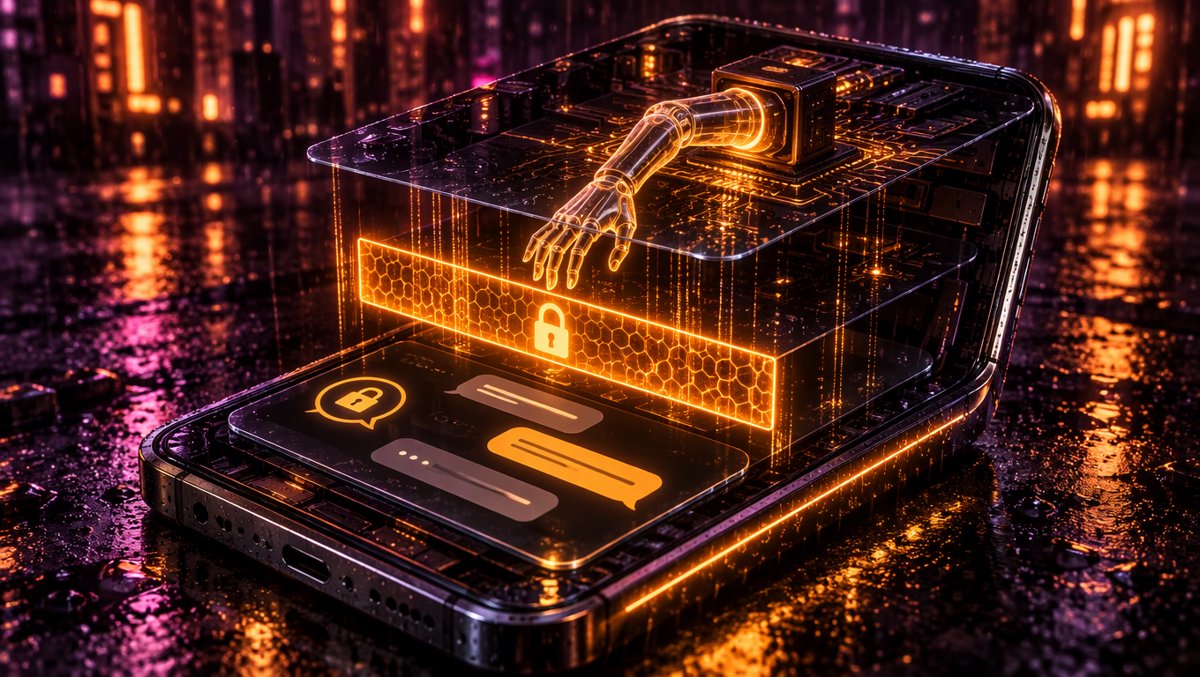
Most security announcements oversell. Signal's does the opposite: Whittaker's post carries an explicit confession that the screenshot wall has holes, and enumerates them.
Hole one: the filesystem. Screenshot blocking "does not address other more sneaky ways AI agents could potentially access application data," she writes — specifically "retrieving content already present on a user's device via the filesystem." An agent with file access doesn't need your screen at all.
Hole two: accessibility permissions as a skeleton key. Signal calls out third-party agents "like Meta's Muse" that "are leveraging accessibility settings that were meant to empower actual people" but now act, in Whittaker's words, "as a skeleton key that provides access to AI agents." This isn't hypothetical: The Decoder reported that Meta's Muse agent recently captured Signal content on Android and macOS through broad setup permissions, including accessibility tools and macOS screenshots. Meta's position, per the same report: it happened only with explicit user permission. Both things can be true — the user clicked Allow, and the user probably didn't understand what they were allowing.
Hole three: the macOS gap described above — no API, no protection.
Hole four: the opt-out dilemma. Users can switch all of this off, and Signal will let them — with a confirmation warning that doing so may expose "your (and your contacts') Signal content to these AI agents, and break our privacy guarantees." That last clause is the sharpest point in the post: turning off protection on your phone doesn't just expose your messages. It exposes the other side of every conversation you're in.
Signal also discloses something rarely admitted publicly: it has spent "considerable developer time and energy doing forensic investigations across Android and iOS in an attempt to learn what is actually happening when these AI systems access application data" — because, in its words, "we are also struggling with a significant lack of documentation about how these AI agents actually work." The company that formally verified its encryption protocol is reverse-engineering the host OS just to understand the threat.
What This Changes
First, it forces the opt-out question into the open. Signal's formal demand to Apple, Google, and Microsoft is two-fold: give developers a documented, easy way to opt their apps out of AI data access entirely — screen reading, filesystem, notifications, APIs — and publish real technical specifications for how agents access data. Whittaker adds a pointed line for the privacy-conscious procurement era: "Confidential computing approaches are not a complete solution, and do not address these core concerns," because they still leave the extent of the privacy guarantee "in the hands of these providers." That's a direct jab at the "it's all processed in a secure enclave, trust us" defense — the same architecture Apple used to justify Siri Recap's audio handling when it launched in beta on November 15. Secure hardware processing can be real and still leave developers with no lever to say "not my app."
Second, it sets up the app-layer vs. OS-layer fight as a precedent. Every developer of anything sensitive — banking, health, journaling, therapy apps — is in Signal's position: their data is one screen-capture away from an agent's context window, and the OS vendors currently set the rules. If Signal's "canary in the coal mine" framing (its words) lands, expect other app vendors to demand the same opt-out API, and expect Apple and Google to ship something — Whittaker notes Signal is "cautiously optimistic that some major OS providers, like Google and Apple, are engaging with us" on standardized approaches.
Third, it reframes what "secure messenger" means in 2026. A user checking Signal's settings now faces a genuinely new trade-off: the convenience of asking Gemini "what did she say about dinner?" against the integrity of a privacy guarantee that covers not just you but everyone you talk to. That's a product decision, and Signal made it for you by default — betting that its users, who chose an encrypted messenger, would rather have the wall.
Community reception was still modest at check time — the Reuters wire story sat at 4 points on Hacker News two days after the announcement (community-sourced, via HN Algolia) — but the underlying tension is now in every OS vendor's roadmap meeting.
⚠️ Limitations & Caveats
- The filesystem remains open. Signal itself says agents retrieving data from device storage aren't addressed by screenshot blocking. If an agent can read Signal's local files, the wall doesn't matter.
- macOS users get a manual workaround, not protection. Excluding Signal from Siri's proactive access is a mitigation against one agent, not against screenshot-based capture generally.
- Android coverage is fragmented by design. On many OEM variants, Signal can't reliably detect screenshot attempts at all — protection triggers on AI-assistant detection instead, meaning the exact behavior depends on which phone you bought.
- The 90-day re-arm on Android can surprise. Dismiss the warning prompt, and protection silently returns in three months. Reasonable default, but it means "off" isn't permanently off.
- Opting out exposes other people's messages, not just yours. Signal's warning that disabling breaks the guarantee for "your contacts" is easy to skim and important: privacy here is a two-party property.
- Detection is defensive, not preventive, on Android. The AI assistant gets a window to act before Signal notices; "screen security" arrives after the first attempt it catches.
Frequently Asked Questions
Q: Why is Signal blocking screenshots on my iPhone? A: To stop Siri AI and other on-device assistants from reading your Signal conversations off the screen. Signal turned on "Block Siri AI" by default on iOS 27 because OS-level agents can capture decrypted message content in a way that bypasses end-to-end encryption entirely.
Q: How do I turn off Signal's screenshot block? A: On iPhone: Settings → Privacy → Block Siri AI → Off (or "Off for 10 Minutes" if you just need one screenshot). On Android: Settings → Privacy → App security → Screen security. Signal warns that turning it off may expose your — and your contacts' — chats to AI agents.
Q: Which Signal versions support the new screen security? A: Android requires Signal 8.35.1 or later; iPhone requires Signal 8.37 or later on iOS 27 or later, per Signal's support docs.
Q: Does Signal's screenshot protection work on Mac? A: No. Signal says macOS offers no reliable screenshot-blocking API — Apple's protection APIs were deprecated in favor of DRM/streaming solutions — so the only mitigation is manually adding Signal to System Settings > Siri > Excluded Apps.
Q: Can AI assistants still read my Signal messages some other way? A: Potentially, yes. Signal acknowledges its remedy is incomplete: agents with filesystem access or deep accessibility permissions (like Meta's Muse reportedly used) can reach app data without ever taking a screenshot. That's why Signal is demanding documented opt-out APIs from Apple, Google, and Microsoft.
🎯 The Bottom Line
Signal just demonstrated the only move an app developer can currently make against OS-level AI surveillance: patch the one hole it can reach — the screen — and publicly document every hole it can't. The announcement matters less as a settings change and more as a formal declaration that end-to-end encryption's guarantee now ends at the display, unless the OS vendors ship developer opt-outs. Apple, Google, and Microsoft hold the API keys to that fix. Signal's bet is that embarrassment, plus millions of privacy-conscious users, will turn them.
📚 Sources
- Signal blog — "Signal is Serious About Protecting Your Privacy" by Meredith Whittaker, Nov 20, 2026. https://signal.org/blog/protecting-your-privacy/
- Signal Support — "Screen security: blocking Google Gemini and Siri AI" (version numbers, settings paths, 90-day re-arm). https://support.signal.org/hc/en-us/articles/11338514641306-Screen-security-blocking-Google-Gemini-and-Siri-AI
- TechCrunch — Anthony Ha, "Signal restricts mobile screenshots as it confronts 'existential threat' of AI surveillance," Nov 21, 2026. https://techcrunch.com/2026/11/21/signal-restricts-mobile-screenshots-as-it-confronts-existential-threat-of-ai-surveillance/
- The Verge — Jess Weatherbed, "Signal is blocking Gemini and Siri AI from reading your screen," Nov 20, 2026. https://www.theverge.com/ai-artificial-intelligence/1038390/signal-blocking-ai-agent-screenshots-mobile-app
- The Decoder — "Signal blocks screenshots on iOS 27 and Android to stop AI agents from reading private chats" (Meta Muse capture detail + Meta's response). https://the-decoder.com/signal-blocks-screenshots-on-ios-27-and-android-to-stop-ai-agents-from-reading-private-chats/
- Reuters — "Signal restricts screenshots to block AI agents reading messages," Nov 20, 2026. https://www.reuters.com/legal/litigation/signal-restricts-screenshots-block-ai-agents-reading-messages-2026-11-20/
- Hacker News Algolia — community traction check (story 50576061, labeled Bronze/community-sourced). https://hn.algolia.com/api/v1/search?query=signal%20screenshot%20AI
All claims verified against Gold-tier (Signal's official blog and support documentation) and Silver-tier (TechCrunch, The Verge, The Decoder, Reuters) sources. Each source URL was scraped and confirmed accessible on November 22, 2026. Community-sourced claims are labeled as such.