NX
NXplace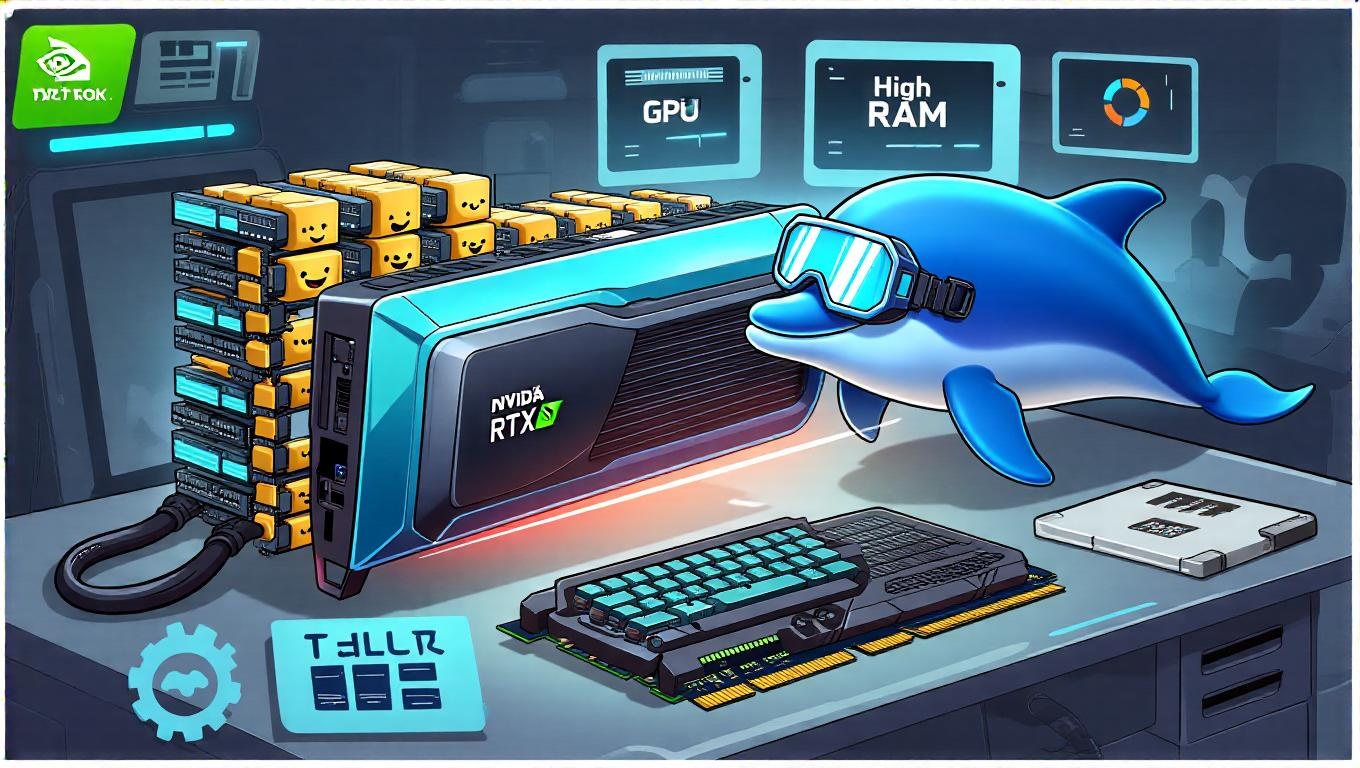
| Hardware Component | Minimum | Recommended for Full Model |
|---|---|---|
| CPU | Intel i7 / AMD equivalent | High-end multi-core CPU |
| GPU | NVIDIA GPU with 16GB VRAM (e.g., RTX 3080) | Multi-GPU high-memory setups (H100/H800 or many Ada/Hopper GPUs) |
| RAM | 32 GB | 128 GB or more |
| Storage | 50 GB free | Hundreds of GB NVMe fast storage |
| OS | Linux preferred (can run on macOS/Windows with compatibility layers or VMs) | Same |
git clone https://github.com/deepseek-ai/DeepSeek-V3.git
cd DeepSeek-V3/inference
python -m venv venv
source venv/bin/activate
pip install -r requirements.txt
The repo provides pinned versions of PyTorch/triton/transformers for compatibility[1][7].
/path/to/DeepSeek-V3 as per the repo instructions[1][7].python convert.py --hf-ckpt-path /path/to/DeepSeek-V3 --save-path /path/to/DeepSeek-V3-Demo --n-experts 256 --model-parallel 16
This step is provided in the repo for multi-node or demo setups[1].
Single-node interactive demo (example command):
torchrun --nnodes 1 --nproc-per-node 8 generate.py --ckpt-path /path/to/DeepSeek-V3-Demo --config configs/config_671B.json --interactive --temperature 0.7 --max-new-tokens 200
For multi-node setups, follow the cluster example on GitHub[1][7].
curl -fsSL https://ollama.com/install.sh | sh
ollama run deepseek-v3.1:671b
ollama serve
curl http://localhost:11434/api/chat -d '{
  "model": "deepseek-v3.1",
  "messages": [{"role": "user", "content": "Hello, DeepSeek!"}],
  "stream": false
}'
This method downloads the model automatically and requires less manual setup[2][3][4].
ollama serve to power the backend.Open WebUI has a tutorial to run DeepSeek V3.1 replacing older versions with updated quant files[3].
nvidia-smi for GPU, htop for CPU/RAM).glmark2 or dedicated deep learning benchmarks.stress-ng as needed.{{< embed "https://www.youtube.com/watch?v=nt1SzojVy38" >}}
{{< urlembed "https://blog.n8n.io/local-llm/" >}}
{{< urlembed "https://lmstudio.ai/" >}}
{{< urlembed "https://ollama.com/" >}}
{{< embed "https://www.youtube.com/embed/Of9XBNUKe8Y" >}}
DeepSeek official GitHub repo:
https://github.com/deepseek-ai/DeepSeek-V3[1][7]
CometAPI detailed local installation:
https://www.cometapi.com/run-deepseek-v3-1-on-your-local-device/[1]
Ollama-based lightweight install and usage:
https://www.upgrad.com/blog/deepseek-installation-guide/[2]
Unsloth AI DeepSeek V3.1 local run tutorial (including Open WebUI):
https://docs.unsloth.ai/models/deepseek-v3.1-how-to-run-locally[3]
RunC.AI GPU cloud deployment guide (alternative):
https://blog.runc.ai/build-your-own-private-ai-assistant-a-step-by-step-guide-to-deploying-deepseek-v3-1-on-runc-ai/[4]
vLLM Recipes DeepSeek usage guide:
https://docs.vllm.ai/projects/recipes/en/latest/DeepSeek/DeepSeek-V3_1.html[5]
DeepSeek official model weights and terminus update info:
https://api-docs.deepseek.com/news/news250922[6]