
Signal just blocked your screenshots — and honestly, it's about time someone did. The encrypted messaging app now blocks screenshots on iPhone and Android by default, specifically so Gemini and Siri can't quietly read your chats off your screen. Signal calls AI agents "hostile to privacy." Politely: they're not wrong.
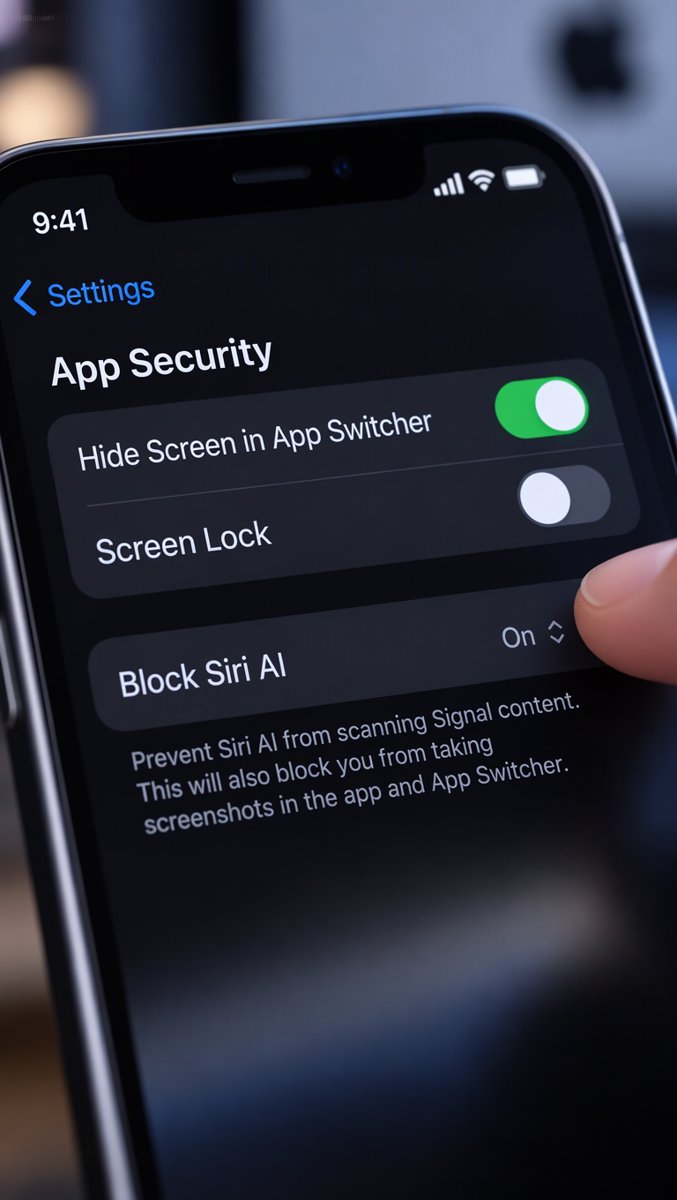 The new normal: "Block Siri AI," flipped on before you ever opened the menu.
 The stakes: AI assistants can now read what's on your screen — which is exactly the door Signal just closed.
 The gate: on Android, screen security wakes up automatically the moment it detects an assistant trying to peek.
On Android, screen security kicks in automatically when it detects an assistant trying to read the screen. On iPhone, there's a brand-new "Block Siri AI" toggle, already on. And yes — you can turn it all off, assuming you enjoy digging through privacy menus while your phone's AI watches you do it.
▶ Watch the full breakdown in the video above.
Image source: The Verge, Mashable, CNET.
Source: The Verge (+ Mashable, CNET, Engadget, and Signal's own blog)