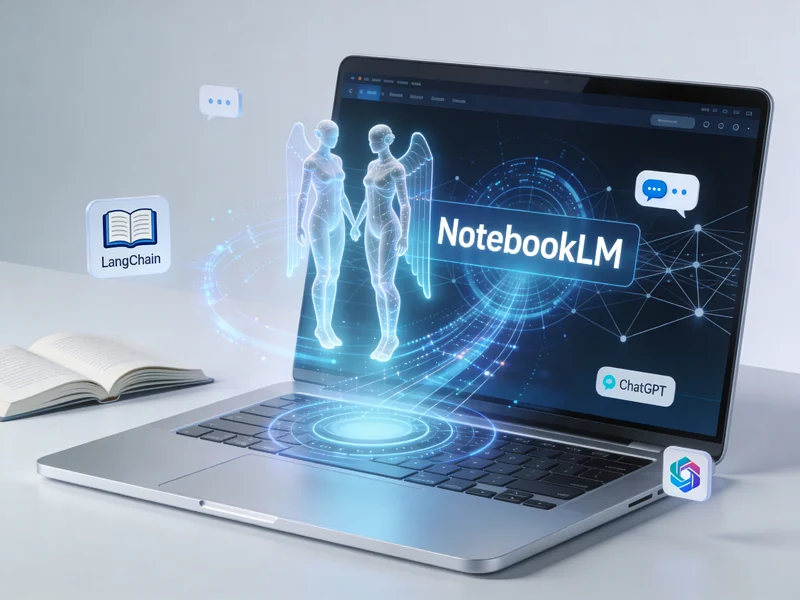
NotebookLM is Google's free AI-powered research and note-taking assistant that acts like a personalized teacher or study partner, grounding its responses strictly in user-uploaded sources such as PDFs, Google Docs, websites, YouTube videos, and images to ensure accuracy and relevance. It leverages Google's Gemini model for advanced reasoning, enabling features like intelligent summaries, Q&A with citations, and creative outputs such as podcasts or study guides.[1][2][6]
NotebookLM integrates Gemini's capabilities to process and interact with your content across text, images, audio, and more, while "grounding" the AI—meaning it only uses the specific sources you provide, avoiding generic web knowledge for tailored, trustworthy results.[1][6] Here's the core workflow:
Interesting facts: Its 200k+ token window handles massive docs like syllabi or paper collections; recent updates include customizable reports (e.g., blog posts, critiques, debates), video overviews, and "Fast Research" to suggest high-quality sources from Drive or the web.[4][5] One viral hit: turning dense research into shareable podcasts that mimic NPR-style banter.[9]
For similar grounded AI note-taking and research beyond Google's ecosystem, consider these:
| Tool | Platform/Key Focus | Key Differences from NotebookLM |
|---|---|---|
| Mem | Web/iOS/Android (cross-platform) | AI notes with auto-linking and chat; less source-grounding, more personal knowledge base; strong for teams.[Inferred from general knowledge; search emphasizes Google tools] |
| Reflect | Web/iOS (networked notes) | Backlinks and AI queries on your notes; canvas-style visuals like mind maps; no podcast feature but daily prompts.[Inferred] |
| Notion AI | Web/iOS/Android/Windows | Database-driven with AI summaries/Q&A; broader workspace but less strict grounding; integrates with many apps.[Inferred] |
| Obsidian with plugins (e.g., Smart Connections) | Desktop/Mobile (local files) | Markdown-based, offline; AI plugins for chat/summaries on your vault; privacy-focused, no cloud dependency.[Inferred] |
| Claude Projects (Anthropic) | Web | Upload docs for grounded analysis/summaries; excels in reasoning but lacks audio/study tools; API for devs.[Inferred] |
These alternatives often lack NotebookLM's free tier depth or Gemini's multimodal polish (e.g., image/audio handling), but shine in privacy (Obsidian) or integration (Notion).[2][6] Start with NotebookLM at notebooklm.google.com—it's experimental but powerful for most users.